
Accessibility in Web Design
Accessibility in web design is about creating websites that everyone, including people with disabilities, can use effectively. It ensures that individuals with visual, auditory, motor, or cognitive impairments can navigate, understand, and interact with web content just as easily as other users. Accessibility is a vital component in web design and is essential for an inclusive internet.
THE ROLE OF ACCESSIBILITY
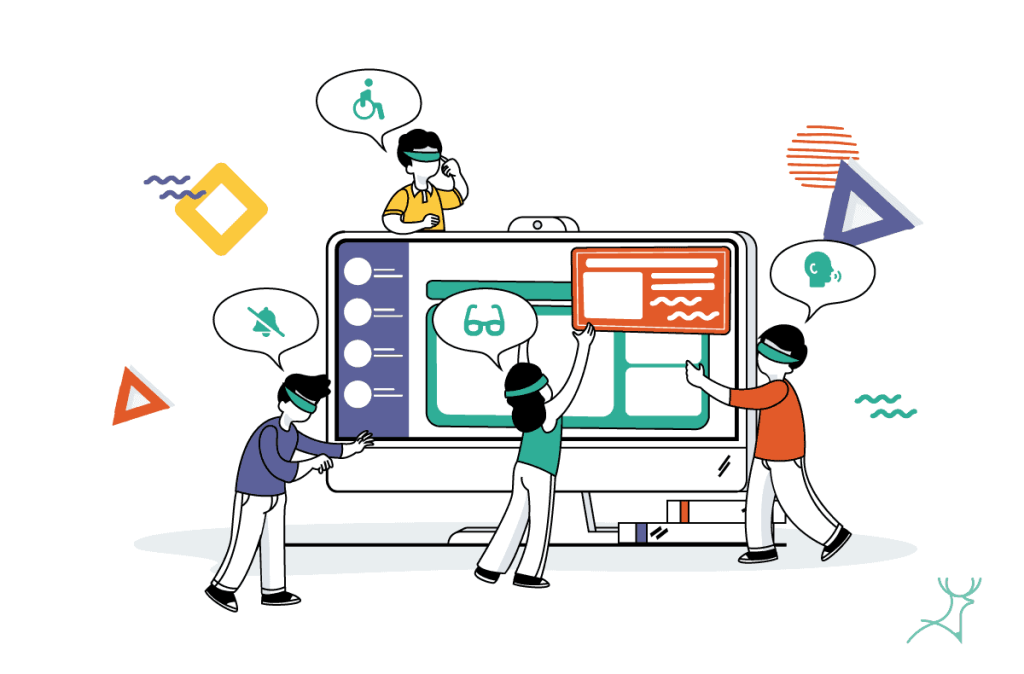
Accessibility in web design ensures that people with disabilities can navigate, understand, and interact with websites effectively.
Accessibility isn’t limited to a specific group as it benefits a broad audience by making interfaces simpler. Jakob Nielsen and Kara Pernice emphasize that accessibility is liberating for users, particularly those with disabilities, as it empowers them to perform tasks independently like for example reading the news or managing finances. When designers prioritize inclusive design, they create interfaces that are easier for everyone to use, including those navigating in challenging environments or with temporary impairments.

Accessibility is liberating for users, particularly those with disabilities, as it empowers them to perform tasks independently.
Jakob
Nielsen
Making Websites Accessible
Creating accessible websites requires attention to specific design practices that support users with various disabilities, including visual, auditory, motor, and cognitive impairments. As per the Web Content Accessibility Guidelines content must be POUR (Perceivable, Operable, Understandable and Robust).
Alt Text
Alt text for non-text content is essential for users who rely on screen readers. By adding descriptive text to images, designers enable visually impaired users to understand the visual content, making the web more inclusive.
Colour Contrast
Proper contrast between text and background is crucial for readability, especially for users with visual impairments. Following colour contrast guidelines improves legibility for everyone
Headings and Semantic HTML
Organizing content with headings (H1, H2, etc.) helps screen readers interpret page structure and enables easier navigation. Semantic HTML (reinforce the meaning) also enhances readability, benefiting users who rely on assistive technologies.
Keyboard Accessible
Ensuring users can navigate using only a keyboard is vital for those who cannot use a mouse. This includes designing a logical tab order for links, buttons, and form elements, allowing keyboard users to access all site features smoothly.
Accessibility is Essential
Accessibility in web design is essential for creating inclusive and usable digital experiences. By implementing the practices mentioned in this article, it will improve overall user experience and ensure compliance with legal standards.
As Shneiderman mentioned, designing with inclusivity in mind leads to universally usable interfaces that benefit everyone. prioritizing accessibility is more than just a design choice as it’s an ethical, practical, and legally sound decision that creates an empowering space for all users in all walks of life.